Every core workflow, recorded from the real app — from company setup to invoicing, payroll, and financial reports. 30–75 seconds each, no fluff.
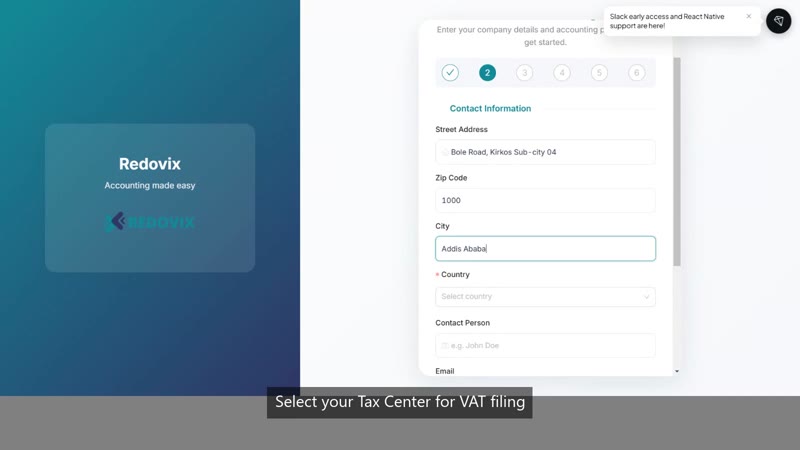
Set up your company in Redovix from scratch — company details, address, country, accounting method, and financial year.
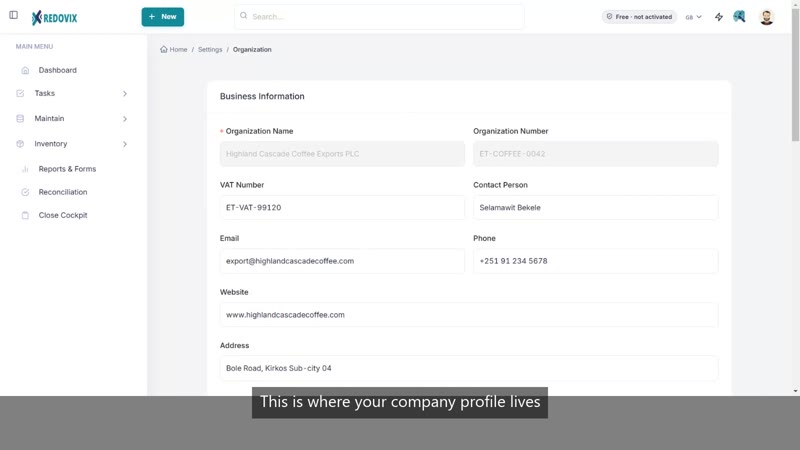
Manage your company profile and pick the Tax Center your Ethiopia VAT return files with.
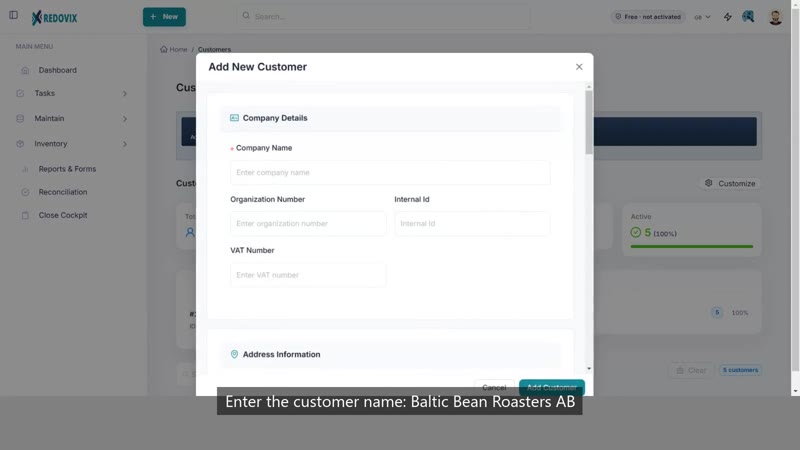
Add a new customer record so it's ready to use on quotes, sales orders, and invoices.
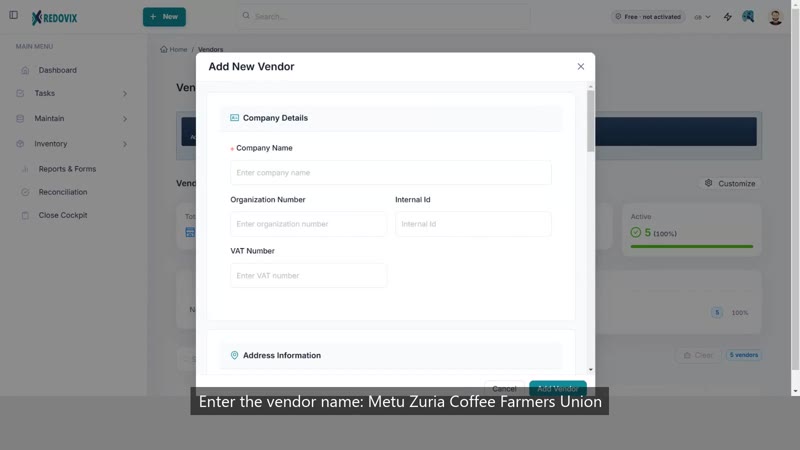
Add a new vendor record so it's ready to use on purchase orders and bills.
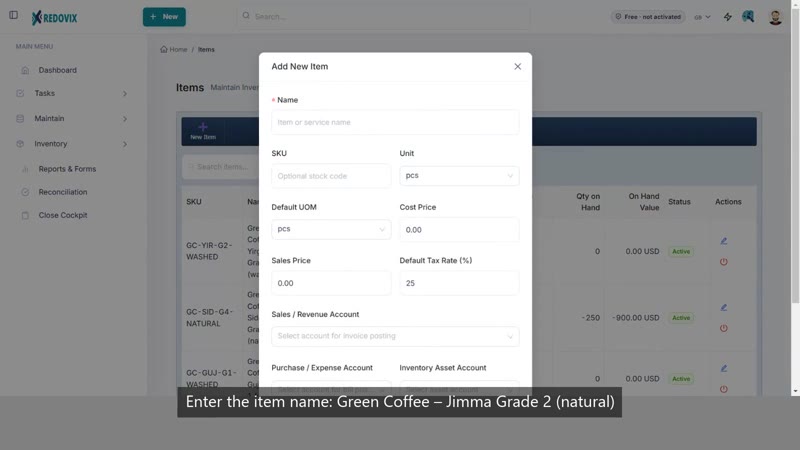
Add a stock item with a sales price and purchase cost so it can be tracked in inventory.
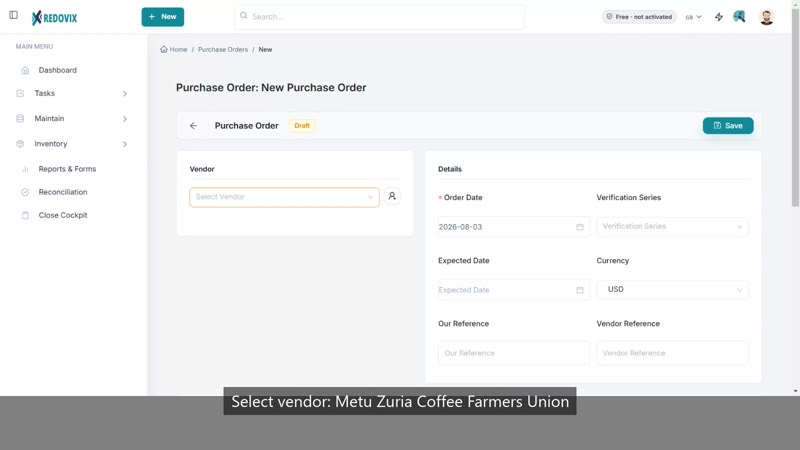
Order stock from a vendor with a purchase order, the first step of the procurement cycle.
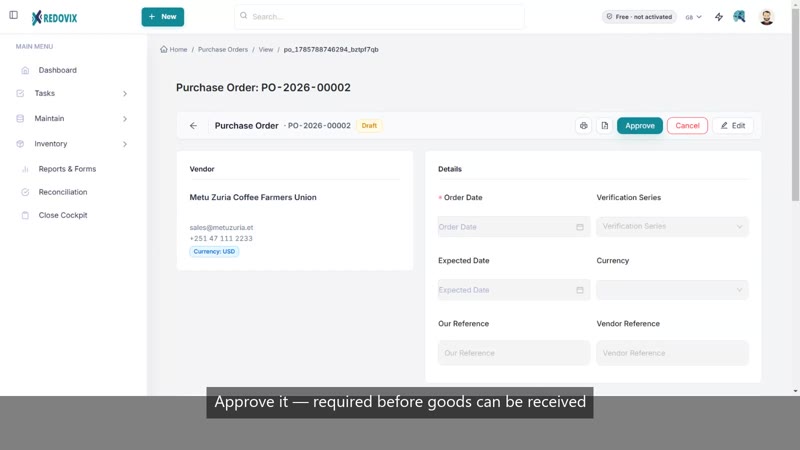
Approve a purchase order and receive the goods — stock on hand increases automatically.
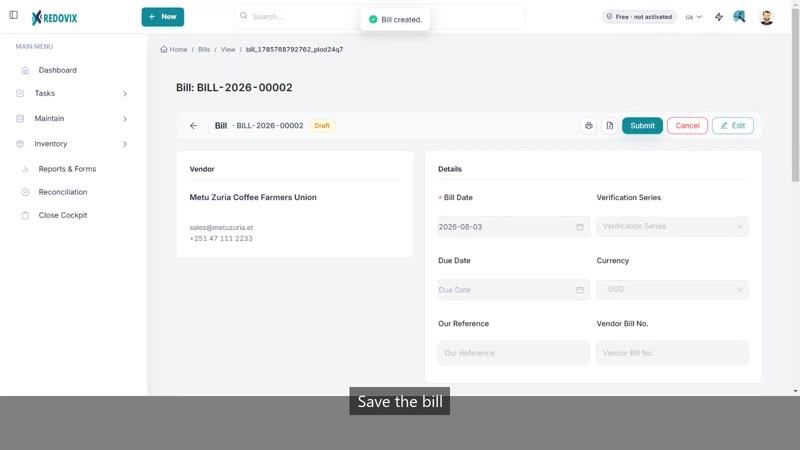
Turn a purchase order into a bill, then record the payment that settles the vendor balance.
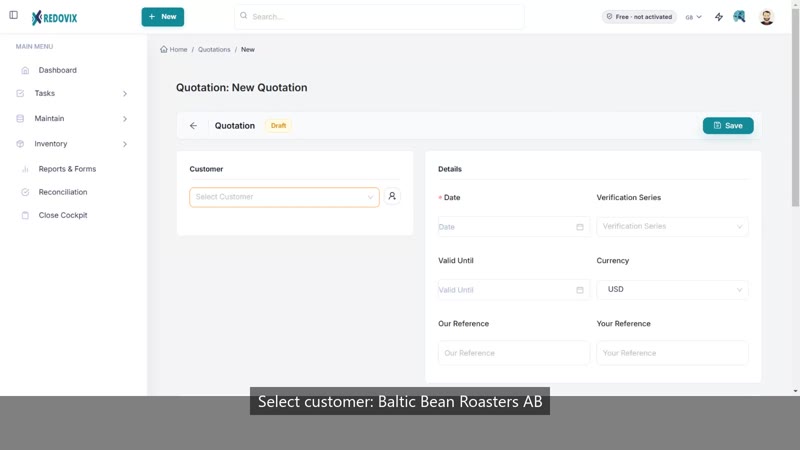
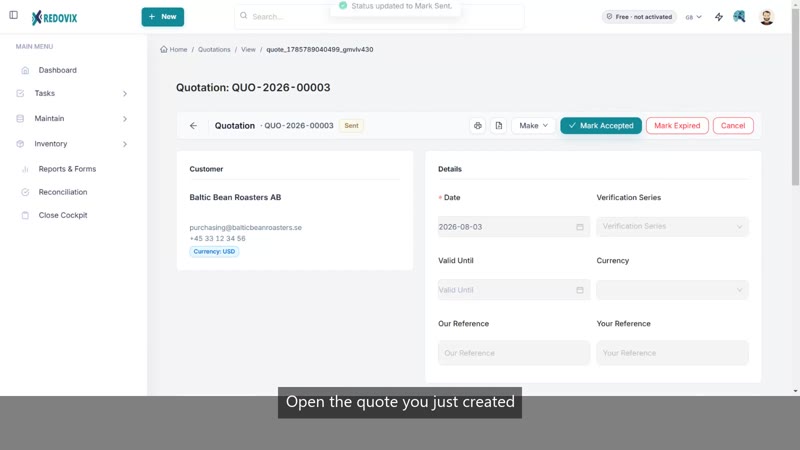
Put together a price quote for a customer, the first step of the sales cycle.
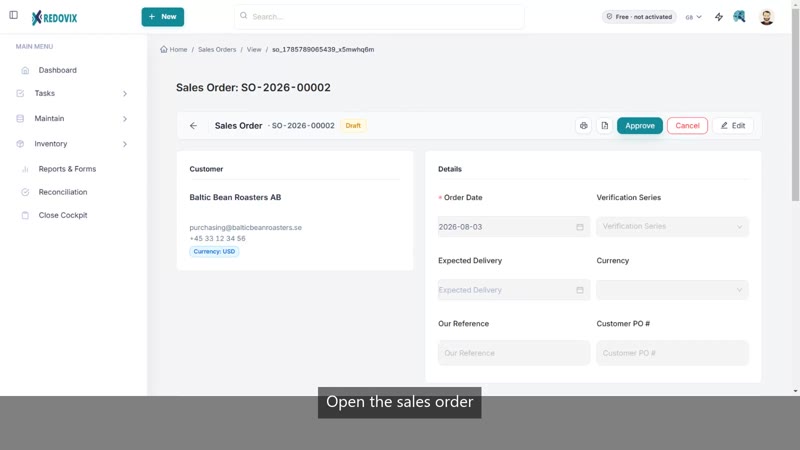
Turn an accepted quote into a confirmed sales order in one click.
Record goods leaving the warehouse for a customer — stock on hand decreases automatically.
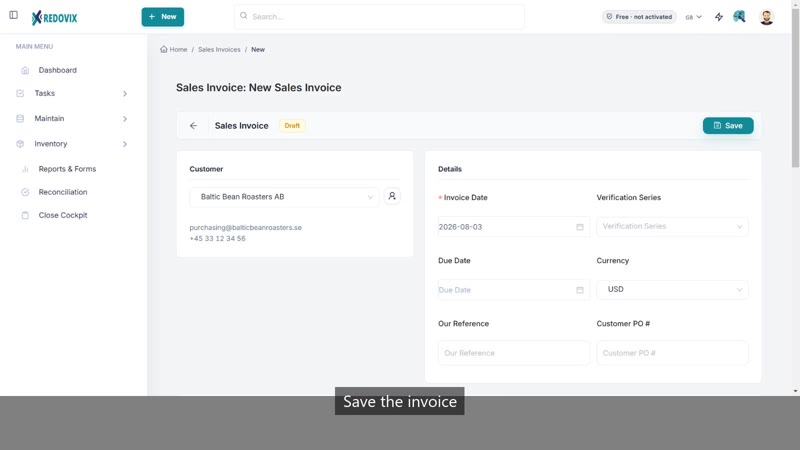
Bill the customer and record the payment that closes out the invoice.
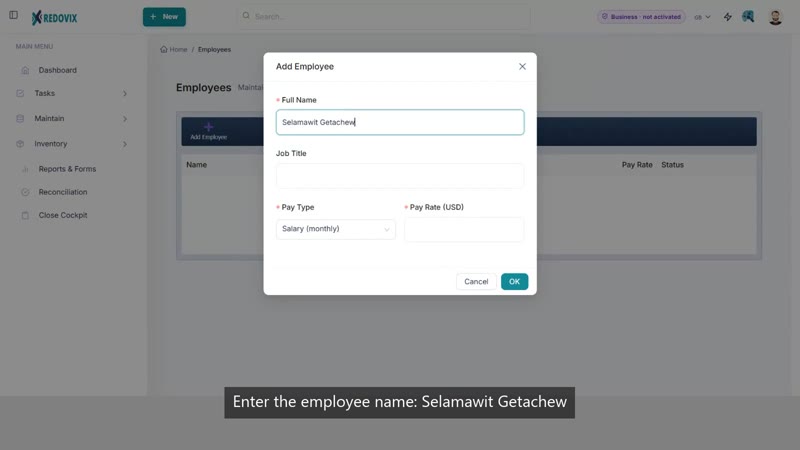
Add an employee and run payroll, with automatic Ethiopia PAYE and pension calculations.
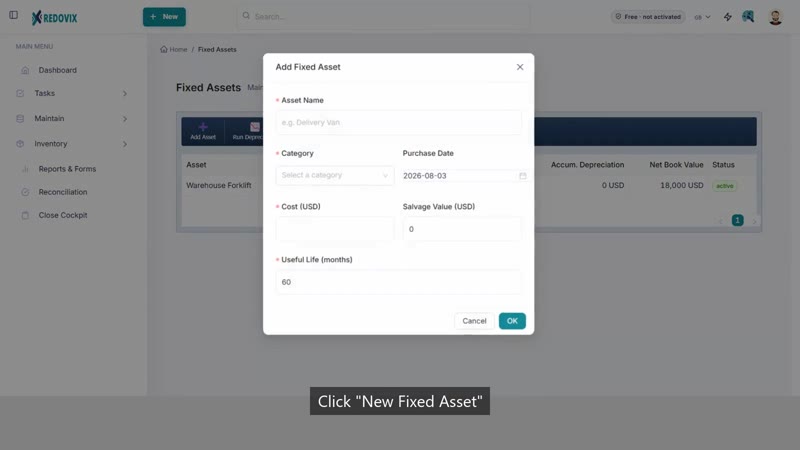
Register a fixed asset with a cost and depreciation method that runs automatically.
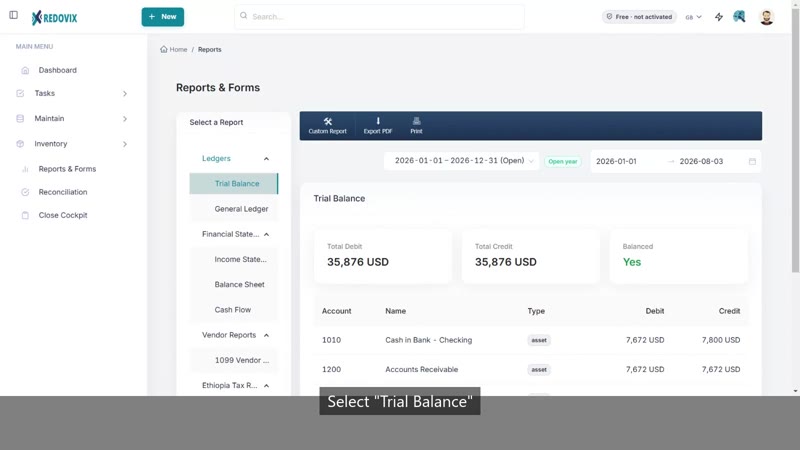
Run a Trial Balance and Balance Sheet to see your financial position at a glance.
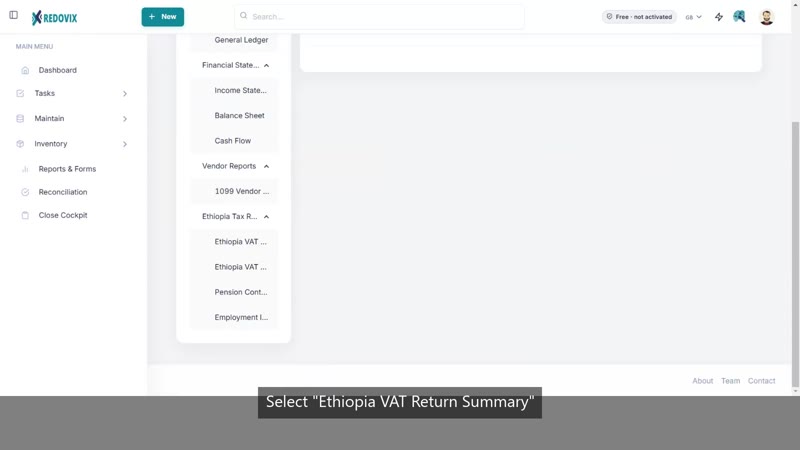
Generate the Ethiopia VAT Return with every box calculated automatically, ready to file with your Tax Center.
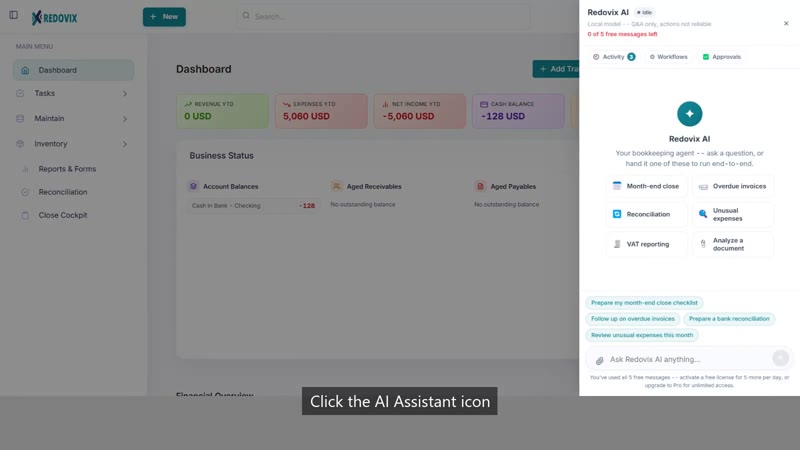
Ask the built-in AI assistant a question about your books and get a direct answer.
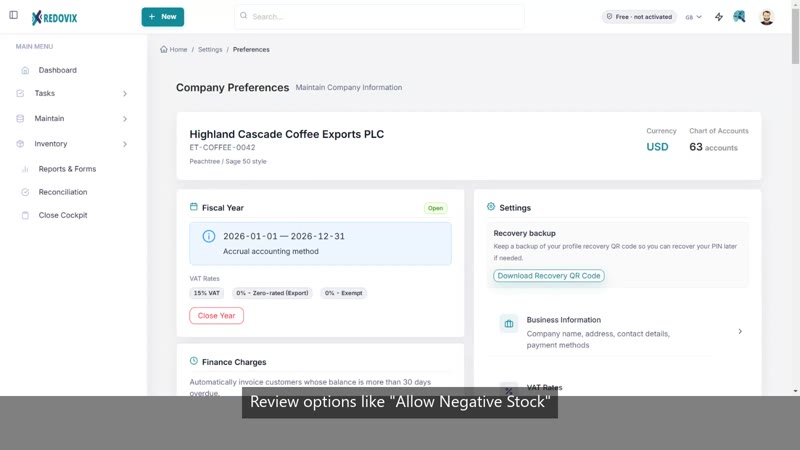
Review company preferences and walk through the year-end close checklist.
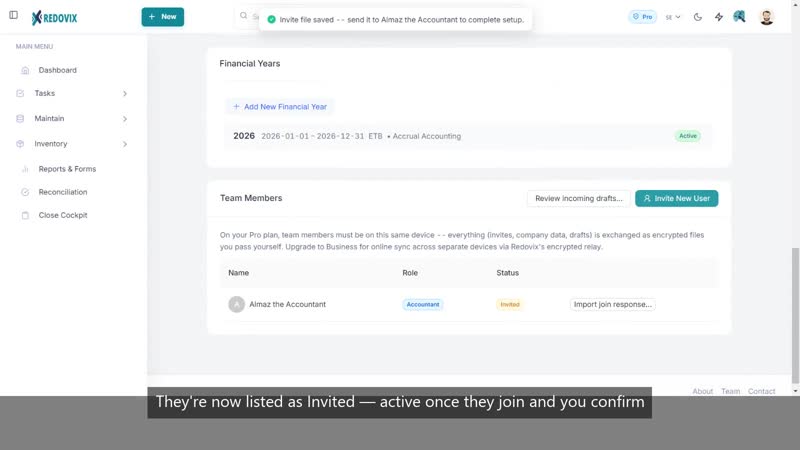
Invite an Accountant or an Auditor to work in your books — Accountants draft transactions for your review, Auditors get read-only access.
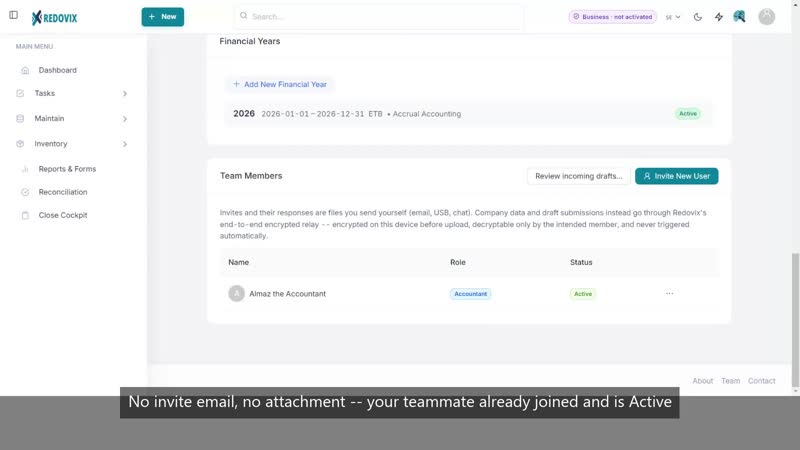
See how company data and drafts move automatically through Redovix's encrypted relay once you're on the Business plan — no files to send yourself.